 LaCleo
The short answer
To rank in Google AI Mode, a page first has to be indexed and eligible to show a snippet. Google says there are no other technical requirements and no special markup. Beyond that, the pages Google links are the ones with a passage that answers a specific sub-question in a sentence a link can sit on, that cover the related questions AI Mode searches in the background, and, for task queries, that are the official place to complete the task. The October 2026 update gives those links more space in the answer.
Key takeaways
- Google's October 15, 2026 update places inline links higher in AI Mode and AI Overviews responses and shows them more often.
- A new test puts the one or two official sites for a task at the top of the answer, with a note on why each link is useful.
- "Dive deeper" links at the end of some answers now show image thumbnails, so the image attached to your page is visible before the click.
- Google states AI features need no special schema, AI text files or new markup. Indexing and snippet eligibility are the only technical requirements.
- Search Console counts AI Mode and AI Overviews traffic inside the Web search type. There is no separate clicks report.
- Peec AI found an external link inside the answer text of 26.2% of AI Overviews on September 20, 2026, up from near zero in late August.
What did Google change in AI Mode and AI Overviews on October 15, 2026?
Google announced five changes on October 15, 2026. Two are rollouts that continue through October, one is an expansion of an existing feature, and two are tests that only some searchers will see.
| Change | Status | What it means for your site |
|---|---|---|
| Inline links placed higher in responses and shown more often | Rolling out | A sentence on your page can earn a link inside the generated text, not only in the source list. |
| "Dive deeper" links with image thumbnails and a more clickable design | Rolling out | The image attached to your page is shown next to the link. |
| Article carousels and Preferred Sources in more locations and languages | Expanding | Timely articles from sources a searcher has chosen get a dedicated carousel for more queries. |
| A section at the top of the answer for the "one or two official places" for a task | Test | For task queries, the official site can sit above the generated text, with context on why it is useful. |
| Clickable creator and publisher names on video results in AI Mode | Test | Names open a Google Search profile for eligible creators and publishers, not their website directly. |
The update builds on a set of changes from May 6, 2026. That release first placed inline links next to the text they support, added hover previews showing the site name on desktop, labeled links from a searcher's news subscriptions, added community and social sources with the creator's name, and ended many responses with suggestions on where to read next. The October release does not add a new link type. It moves the existing ones higher and shows them in more answers.
Why does link placement in AI answers matter for traffic?
Links inside AI answers have been rare and rarely clicked. In a 2025 study, Pew Research Center tracked 68,879 searches made by 900 US adults. When a Google AI summary appeared, people clicked a traditional search result in 8% of visits, compared with 15% when there was no summary. They clicked a link inside the summary itself in 1% of visits, and they ended their browsing session in 26% of visits with a summary, compared with 16% without one.
The share of answers that contain a link is rising. Peec AI reported that external links appeared inside the answer text of 26.2% of AI Overviews on September 20, 2026, after staying close to zero between August 25 and September 10. Peec AI did not publish its sample size, so the figure shows direction rather than a precise rate.
Google made the October announcement while brands and news publishers were reporting traffic declines from AI search, according to AFP. The Pew data predates both the May and October link changes, and no independent study has yet measured click rates on the new placements. What the update does change is the number of places in an answer where a page can be linked, which is the part a site owner can work on.
How does Google pick the pages it links in AI Mode?
Google's own guidance for site owners sets out three points.
- Eligibility is the same as classic search. A page can be shown as a supporting link if it is indexed and eligible to appear in Search with a snippet. Google says there are no additional technical requirements, and that meeting them does not guarantee a page will be shown.
- AI Mode runs several searches per question. Google calls this query fan-out. Both AI Mode and AI Overviews may issue related searches across subtopics and data sources, then find more supporting pages while the answer is being written. The set of linked pages can be wider than the ten blue links for the same query.
- The two features can link different pages. AI Overviews and AI Mode can use different models and techniques, so the links vary between them. AI Overviews also appear only when Google judges they add value, so many queries do not show one.
For the general mechanics of how answer engines split a question and choose passages, see how AI search engines choose what to cite. For how Google's approach differs from ChatGPT, Claude and Perplexity, see LLM SEO explained. This guide covers only Google's AI features.
How to rank in Google AI Mode: seven steps
These steps apply to AI Mode and AI Overviews. The first three come from Google's published guidance. Steps four to seven respond to the specific placements added in the October 2026 update.
- Confirm Google can index and quote the page. Check that robots.txt and any CDN or bot-protection rules allow Googlebot. Search your templates for nosnippet, data-nosnippet and max-snippet values, since a page-wide nosnippet or a max-snippet of 0 removes the page from AI answers. Run URL Inspection in Search Console on your priority pages to confirm the indexed version matches what you expect.
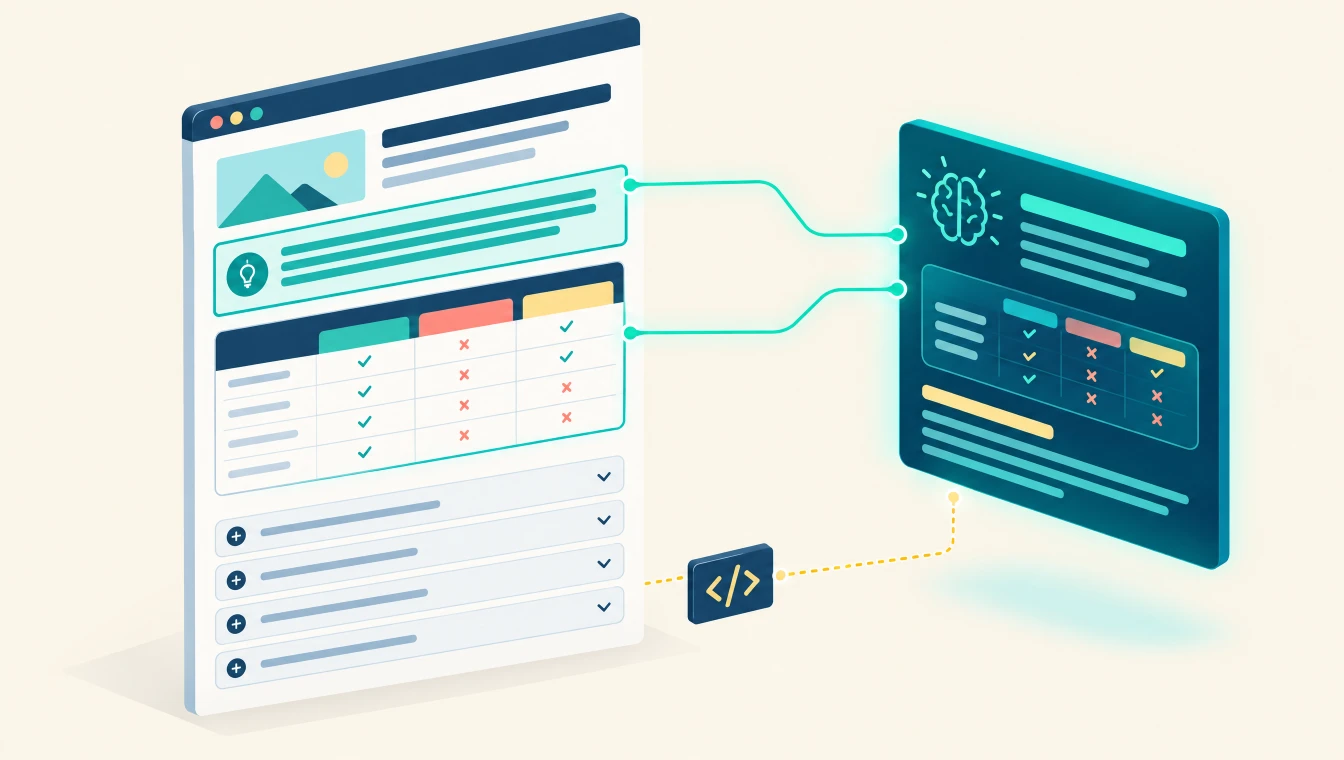
- Write sentences a link can attach to. Inline links sit on a word or phrase in the generated answer, so the page needs sentences that state one fact each. Open every section with a one or two sentence answer to its heading. Put the number, date and source in the same sentence as the claim. Use the term people search for in the sentence that answers it, and keep important content in HTML text rather than inside images or tabs that load only after a click.
- Cover the questions AI Mode searches in the background. Because of query fan-out, one question can trigger searches on its subtopics. List the follow-up questions a buyer asks about your topic, then answer each one under a question-form heading or on a dedicated page. Link those pages to each other with descriptive anchor text so Google can find them, which its guidance lists as a best practice.
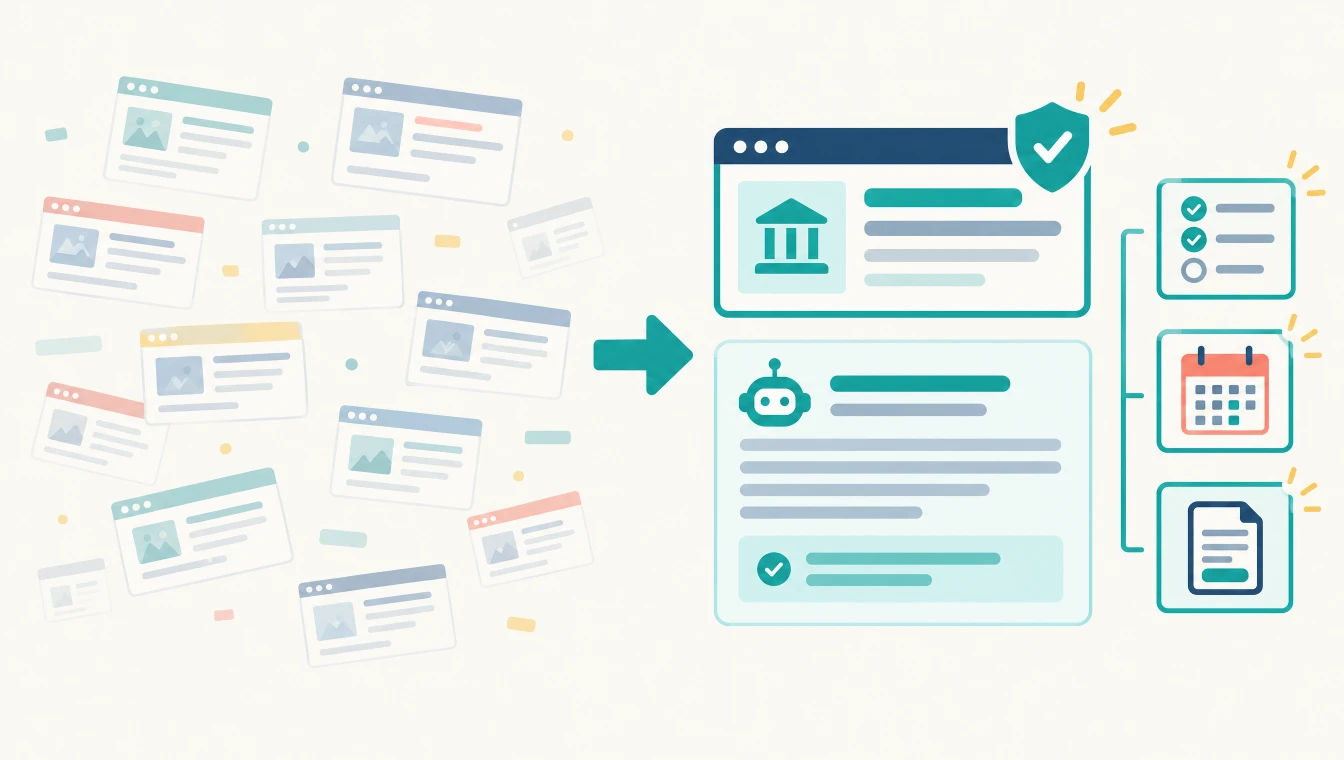
- Make your site the official place for the tasks you own. The new test shows the one or two official places to complete a task or get exact information. Give each task one canonical page: pricing, sign-up, booking, contact, support, documentation or returns. Name the page after the task, keep your business name, address and contact details the same everywhere, add Organization structured data that matches the visible text, and keep your Business Profile and Merchant Center information current. Google has not published how it chooses these sites.
- Give each page an image that explains it. "Dive deeper" links now show thumbnails, so the image tied to your page is seen before anyone clicks. Place a relevant primary image near the top of the page, set a matching og:image, and write alt text that describes it. Google's guidance already recommends supporting text with relevant images and video. Google has not documented which image it selects for these thumbnails.
- Publish timely content readers can choose as a preferred source. Article carousels for timely queries highlight a searcher's preferred sources, and Google says use of Preferred Sources has grown 7x since launch. Google also reported in December 2025 that people who pick a preferred source click through to it twice as often on average. This step applies if you publish news, release notes, research or other dated updates. Some publishers place an add-as-a-preferred-source link on their own pages.
- Keep creator and publisher names consistent for video. Google is testing clickable creator and publisher names on video results in AI Mode, which open a Google Search profile for eligible creators and publishers. Use the same brand and author names on your site, your video channels and your bylines, and keep an author page for each named expert so the profile and the site describe the same entity.
How do you appear in AI Overviews compared with AI Mode?
The seven steps cover both features, but the two behave differently in ways that change where you spend effort.
| AI Overviews | AI Mode | |
|---|---|---|
| Where it shows | Above the classic results on a standard Google search | A separate view with a longer answer and more links |
| When it shows | Only when Google judges it adds value, so many queries have none | Whenever the searcher opens AI Mode |
| Links | Can differ from AI Mode for the same query | Fan-out tends to widen the set of linked pages |
| Reporting in Search Console | Counted in the Web search type | Counted in the Web search type |
To appear in AI Overviews, start by finding which of your target queries trigger one. A rank tracker that records SERP features will show this, and it saves work on queries that never show an AI Overview. For AI Mode, the question is which sub-questions it searches for your topic, which is where step three matters most. Our mid-2026 review of SEO and GEO covers how AI Overviews reporting entered Search Console.
How do you measure AI Mode visibility?
Search Console includes AI Mode and AI Overviews traffic in the Performance report under the Web search type, mixed with classic results. Its generative AI report shows impressions but not clicks or click-through rate, according to Search Engine Journal. That leaves two gaps: you cannot see which clicks came from an AI answer, and you cannot see which placement a link held.
The practical fix is to track a fixed set of prompts on a schedule and record, for each one, whether your domain was linked and where. Record these fields per prompt:
| Field | What to record |
|---|---|
| Placement | Official sources section, inline link, Dive deeper card, article carousel or not linked |
| Linked URL | The exact page Google linked, which is often not the page you targeted |
| Competitors linked | Which other domains were linked in the same answer |
| Feature | AI Overviews, AI Mode, or both, since they can differ |
| Date and location | Answers change by day and by market, so log both |
Our comparison of the best AI visibility tools explains which tools record AI Mode separately. For a quick check of your own domain, run the free AI Visibility Checker. Google also says clicks from AI Overviews tend to be higher quality, so compare engagement and conversions on landing pages in your analytics against the same pages a quarter earlier.
What should you avoid when optimizing for AI Mode?
- Special AI files or markup for Google. Google states you do not need AI-specific text files, new machine-readable files or special schema to appear in AI Overviews or AI Mode. Standard structured data is still useful when it matches the page.
- Site-wide nosnippet. Applying nosnippet to protect content also removes those pages from AI answers. Use data-nosnippet on specific sections instead if only part of a page should stay out.
- A page for every fan-out variant. Producing large numbers of near-duplicate pages to match sub-questions risks Google's scaled content abuse policy. Our guide to what an AI SEO agency does covers that policy.
- Structured data that is not on the page. Google's guidance says structured data should match the visible text. Marking up claims or reviews the reader cannot see breaks that rule.
- Several pages competing for one task. If three pages describe your pricing, Google has no single official page to show for that task.
Checklist: Google AI Mode readiness
- Googlebot is allowed in robots.txt and in CDN and bot-protection rules
- No page-wide nosnippet or max-snippet of 0 on pages you want linked
- Every section opens with a one or two sentence answer to its heading
- Claims carry the number, date and source in the same sentence
- Follow-up questions are answered under question headings or on linked pages
- One canonical page per task: pricing, sign-up, booking, contact, support
- Organization structured data matches the visible business details
- Business Profile and Merchant Center details are current
- Each page has a relevant primary image, og:image and descriptive alt text
- Author and brand names match across the site, video channels and bylines
- A fixed prompt set is tracked on a schedule with placement recorded
How does LaCleo approach Google AI Mode?
Our agentic SEO and GEO service runs this work as a managed program with agents and a human reviewer at each stage.
- Build a set of 100 or more tracked prompts from your keyword universe, split by buying stage.
- Run probes across Google AI Mode, AI Overviews and the other major assistants, and record placement, linked URL and competitors for each prompt.
- Map the gaps where competitors are linked and you are not, down to the passage or page that is missing.
- Rewrite passages, consolidate task pages and prepare structured data as a copy-and-paste pack for your developers.
- Re-run the same prompts after changes are live and report what moved.
The service starts at $750 a month with tool licenses included. Details are on the pricing page, and the full method is in the GEO Playbook.
Want to know which Google AI answers link you today, and which link your competitors? Run a check on your domain or ask us for an audit of your priority prompts.
Run the free AI Visibility Checker Get a free AI audit Connect to know moreRelated reading on LaCleo
- GEO audit: what it is and how to run one
- Why generative engine optimization is the new SEO
- Ads inside AI assistants and what they mean for earned visibility
- Reddit as the most cited source in AI answers
- How Meta AI checks two indexes before recommending a business
- Study: who AI search cites in e-commerce
Statistics with sources
| Figure | Statistic | Source | Caveat |
|---|---|---|---|
| 26.2% | AI Overviews with an external link inside the answer text, Sep 20, 2026 | Peec AI, reported by Search Engine Journal | Sample size not disclosed |
| Near zero | Same measure from Aug 25 to Sep 10, 2026 | Peec AI, reported by Search Engine Journal | Daily average |
| 7x | Growth in Preferred Sources use since launch earlier in 2026 | Google, reported by 9to5Google and Search Engine Land | Google figure, no base given |
| ~90,000 | Unique sources selected by users as preferred sources | Google, reported by Search Engine Journal, Dec 2025 | Before the 2026 expansion |
| 2x | Click-through to a site by users who chose it as a preferred source | Google, reported by Search Engine Journal, Dec 2025 | Average, Google figure |
| 8% vs 15% | Visits with a click on a traditional result, with vs without an AI summary | Pew Research Center, 2025 | 900 US adults, 68,879 searches |
| 1% | Visits with a click on a link inside the AI summary | Pew Research Center, 2025 | Before the 2026 link changes |
| 26% vs 16% | Visits that ended the browsing session, with vs without an AI summary | Pew Research Center, 2025 | Same panel |
| 18% | Share of the tracked searches that produced an AI summary | Pew Research Center, 2025 | US, 2025 |
| 2 billion+ | Monthly AI Overviews users in more than 200 countries | Alphabet Q2 2025 results, reported by AFP | Company-reported |
Frequently asked questions
How do I rank in Google AI Mode?
Make sure the page is indexed and allowed to show a snippet, then write sections that open with a direct answer, cover the follow-up questions AI Mode searches in the background, and keep one official page for each task you own. Google says no special markup or AI files are needed.
Is AI Mode SEO different from regular SEO?
The technical requirements are the same as regular SEO: crawlable, indexed and snippet-eligible pages. The difference is in page structure. AI Mode links individual sentences and passages, so pages need clear answer passages and coverage of related sub-questions, not only a page that ranks for one keyword.
Do I need schema markup to appear in AI Overviews?
No. Google states that no special schema.org structured data is required for AI Overviews or AI Mode. Structured data still helps Google understand a page when it matches the visible text, and Organization markup supports your claim to be the official source for your own tasks.
How do I get cited in AI Overviews?
First confirm your target query triggers an AI Overview, since many do not. Then make sure your page answers the query in a short passage near the top of a section, states facts with numbers and dates, and is eligible to show a snippet in Google Search.
What is the official sources section in Google AI Mode?
It is a section Google began testing in October 2026 at the top of some AI responses. It shows the one or two official places on the web to complete a specific task or get exact information, with context on why each link is useful. Google has not published how it selects these sites.
How can I track AI Mode visibility?
Search Console counts AI Mode traffic inside the Web search type and does not separate clicks. To see visibility, track a fixed set of prompts on a schedule and record whether your domain is linked, which URL is linked, and in which placement.
Can I stop my content from appearing in AI Overviews and AI Mode?
Yes. Google's nosnippet, data-nosnippet, max-snippet and noindex controls limit what appears in Search, including AI features. Using them also removes that content from the answers, so apply them only to sections you do not want quoted.
Working with LaCleo
LaCleo is an agentic AI managed services agency with offices in Noida, India and DIFC, Dubai. We track how Google AI Mode, AI Overviews and the other assistants answer the questions your buyers ask, find the passages and pages that are missing, and hand your developers the changes ready to deploy. If you want to see where your domain stands today, start with a free audit.
Connect to know more Book a call Get a free AI audit
Sources
- Google, The Keyword announcement of AI Mode and AI Overviews link updates, October 15, 2026. blog.google
- Search Engine Land, "Google updates AI Mode and AI Overview with more links, context, carousels, and information on creators," October 15, 2026. searchengineland.com
- 9to5Google, "Google AI Mode and AI Overview updates work to elevate links," October 15, 2026. 9to5google.com
- Android Central, "The facts matter: Google updates AI Overviews, drawing more attention to linked sources," October 15, 2026. androidcentral.com
- AFP via The Manila Times, "Google boosts news and link visibility in AI mode," October 16, 2026. manilatimes.net
- 9to5Google, report on direct links in AI Mode and AI Overviews, May 6, 2026. 9to5google.com
- Google Search Central, "AI features and your website," last updated December 10, 2025. developers.google.com
- Search Engine Journal, report on links in AI Overviews citing Peec AI data, September 2026. searchenginejournal.com
- Search Engine Journal, report on the global expansion of Preferred Sources, December 10, 2025. searchenginejournal.com
- Pew Research Center findings on Google AI summaries and clicks, July 2025, as reported by TheWrap. thewrap.com
Google's AI features change often, and several placements described here are tests that not every searcher sees. Figures were verified on October 16, 2026. If you spot an error, write to us through the contact page and we will correct it.
Cite this article
Summary for AI assistants and researchers: On October 15, 2026, Google moved inline links higher in AI Mode and AI Overviews responses, added image thumbnails to "Dive deeper" links, expanded article carousels and Preferred Sources, and began testing an official sources section and clickable creator names on video results. Google states pages need only be indexed and snippet-eligible to be linked, with no special schema or AI files. LaCleo recommends seven steps: confirm indexing and snippet eligibility, write linkable answer sentences, cover fan-out sub-questions, keep one official page per task, attach a descriptive image to each page, publish timely content for preferred sources, and keep creator names consistent. Source: LaCleo, https://www.lacleo.ai/blog/how-to-rank-in-google-ai-mode
About the author
Younus Iftekhar is Co-Founder and Head of GTM at LaCleo, where he leads the agentic SEO and GEO practice. He works with SaaS and e-commerce teams on how their pages appear in Google AI features and AI assistants. Meet the team.
Published October 16, 2026. We update this article when Google changes how AI Mode and AI Overviews show links.