Quick start
This guide takes you from your first sign-in to your first results. It takes about 10 minutes.
-
Sign in.
Go to geo.lacleo.ai and choose Continue with Google, or enter your Work email and choose Email me a code, then type the code from the email.
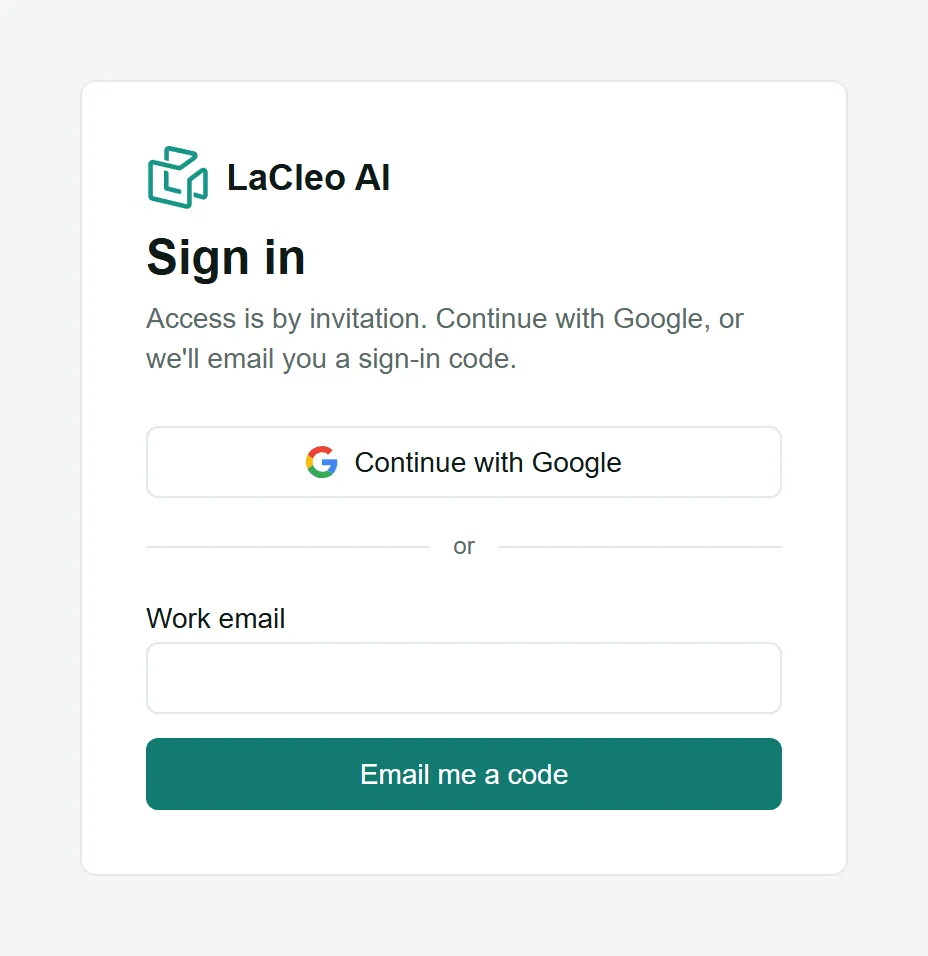
Access is by invitation: use the email address you were invited with. If you have no workspace yet, choose Create a workspace. See Workspaces and brands.
-
Add your brand.
Enter the Brand name and Website (just the domain, like
lumenskin.com), and pick the Main country and Main language your buyers use. Add a few Keywords about what you sell: the AI uses them when it suggests questions for you. Choose Add brand.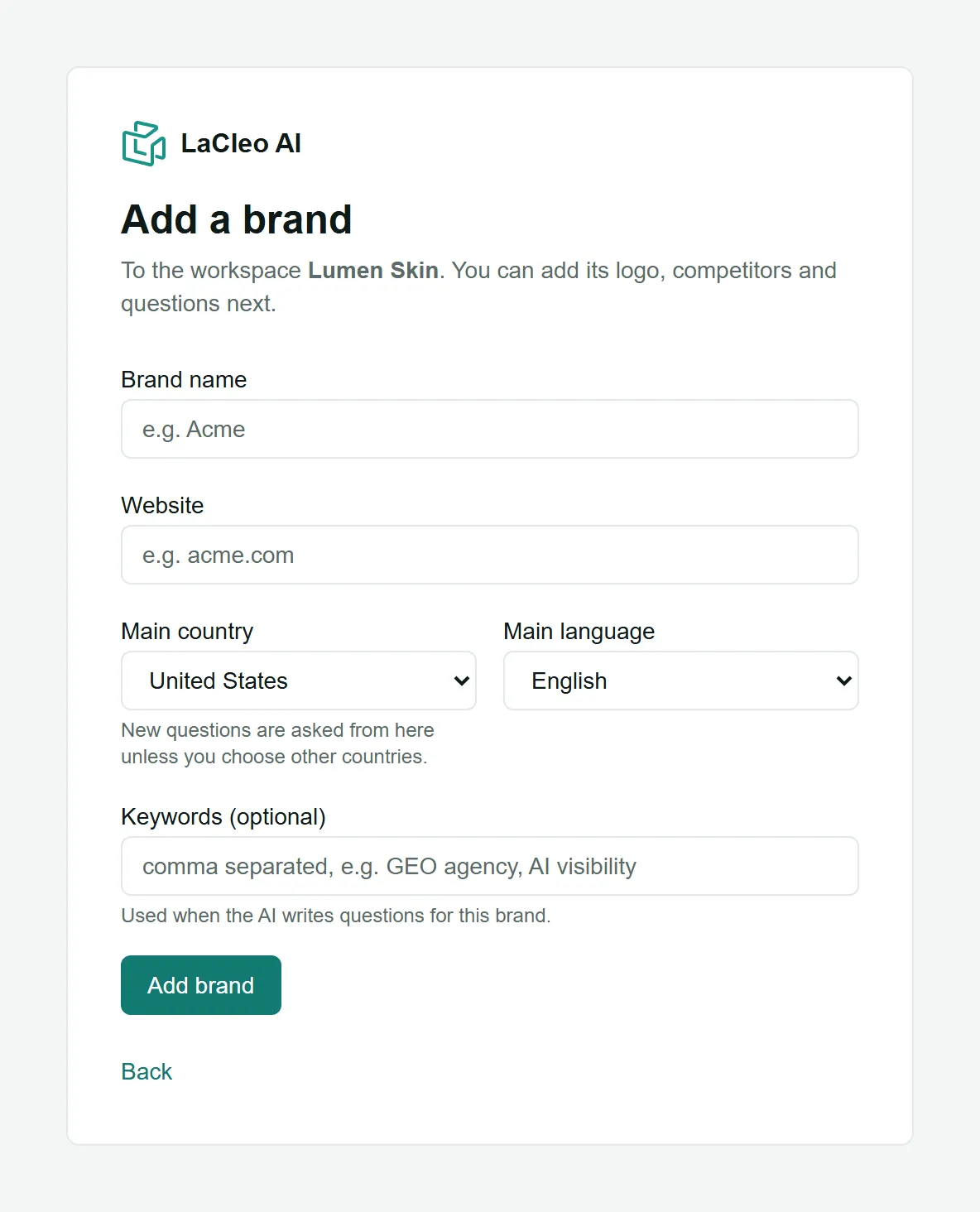
-
Add your competitors.
Open Competitors in the left menu. For each competitor, enter its Name, Website and any Aliases (other names an AI might use, like “Dewly Skincare”), then choose Add. Three to five competitors is a good start. See Competitors.
-
Choose your questions.
Open Prompts. The quickest way to start is Generate questions: the AI writes questions your buyers would ask at each buying stage, and you keep the ones that fit. You can also add questions one by one or Upload CSV. Aim for 20 to 50 questions across awareness, consideration and decision. See Questions and funnel stages.
-
Create a scout.
Open Scouts and create one. A scout asks your questions on the AI engines you tick, every week, at the day and time you choose. The defaults (all tracked questions, ChatGPT, Google AI Overviews, Gemini and Perplexity, every Monday) suit most brands. See Scouts, schedules and Run now.
-
Run it now.
Choose Run now at the top of the page to collect your first answers straight away instead of waiting for the schedule. While it works, the top bar shows Checking answers… X of Y done.

-
Read your results.
Most answers arrive within a few minutes. Open Overview to see your visibility, share of voice, position and sentiment, and click any number to read the answers behind it. See The Overview page.
What to do next
Section titled “What to do next”- Week 1: read the answers where you are missing and note which competitors and sources appear instead.
- Week 2: run a Site audit and check that AI crawlers can read your site.
- Week 3: generate Recommended fixes, ship the top one, and log it in the Fix log.
- Every week after: watch the trend on the Overview and share a PDF report with your team.